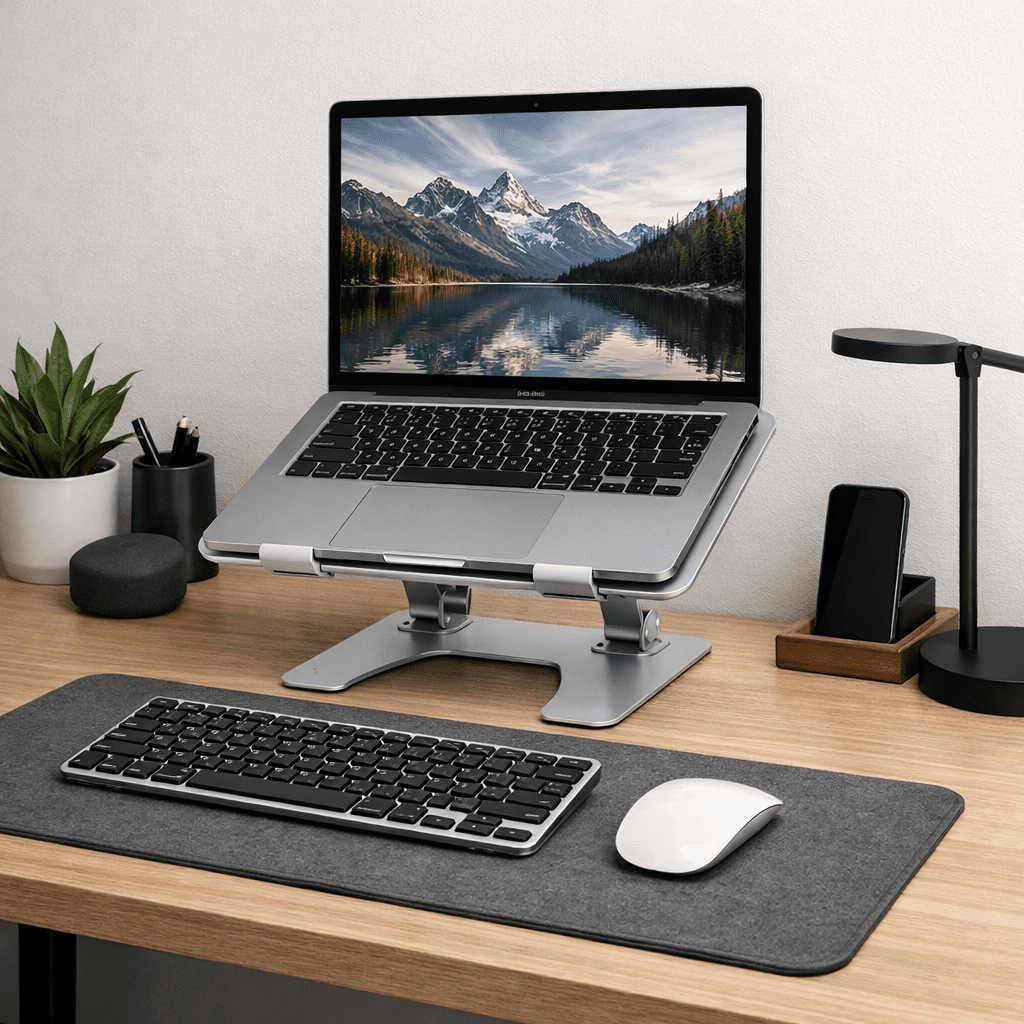
Using a laptop without a stand means looking down at a screen 20-30 degrees below eye level for hours. Over time, this causes neck strain, shoulder tension, and poor posture. A laptop stand fixes this instantly — and the best ones cost less than one physical therapy session.
Quick Picks
- Best Overall: Nulaxy Laptop Stand — adjustable height, foldable, fits 10-16″ laptops, under $30
- Best Premium: Rain Design mStand — aluminum, elegant, fixed height optimized for desk use
- Best Portable: Nexstand K2 Laptop Stand — folds flat, fits in a bag, genuinely stable
- Best Adjustable: Ergotron LX Arm — arm mount, full range of motion, for fixed desk setups
What to Look For
Height: Your screen should sit with the top of the display at or slightly below eye level when seated. Most adjustable stands cover a range of 5-20cm of lift — measure your current setup to know what you need.
Stability: A stand that wobbles while you type is worse than no stand. Check that the adjustment locking mechanism holds firmly. Heavier aluminum stands are generally more stable than plastic.
Ventilation: Laptops run hotter on flat surfaces. Open-frame stands allow airflow underneath, reducing temperatures and extending component life.
Nulaxy Laptop Stand — Best Overall
The Nulaxy Laptop Stand hits all the marks: adjusts from 5.5″ to 8″ height, holds up to 22 lbs, folds flat in seconds, and has silicone pads that protect your laptop and prevent slipping. The price is consistently under $30. For most home office workers who want something that just works without overthinking it, this is the answer.
Rain Design mStand — Best Premium
The Rain Design mStand is machined from a single piece of aluminum, designed specifically to complement Apple laptops. It has a cable management channel built in, a fixed height calibrated for desk use, and an integrated rubber pad for stability. It doesn’t fold or adjust — it’s a permanent desk fixture for people who want the cleanest possible setup.
You’ll Need an External Keyboard Too
Once you raise your laptop screen to eye level, the built-in keyboard is too high for comfortable typing. You need an external keyboard and optionally a wireless mouse to complete the ergonomic setup. Budget ~$30-60 for these and the total investment remains under $100 for a dramatically better workspace.
Leave a Reply